Multify Stash

Free your bookmarks

They shouldn't die in a folder. Save what you find, add a note on why it mattered, and make the good ones public at multify.co/you.

Free to start. Chrome extension, paste a link, or text one in. How it works in the docs.

How stash works

Save things you find on the web. Share the ones you want people to see.

  1. Sign up free

    Create an account and get the Multify Chrome extension.

  2. Stash what you find

    Right-click a page or a link and tap Stash it. Or paste a URL. Or text one in.

  3. Make the good ones public

    Add a note on why it mattered. Flip Public and it shows up on your profile.

Public profiles

A feed of your taste, not a graveyard

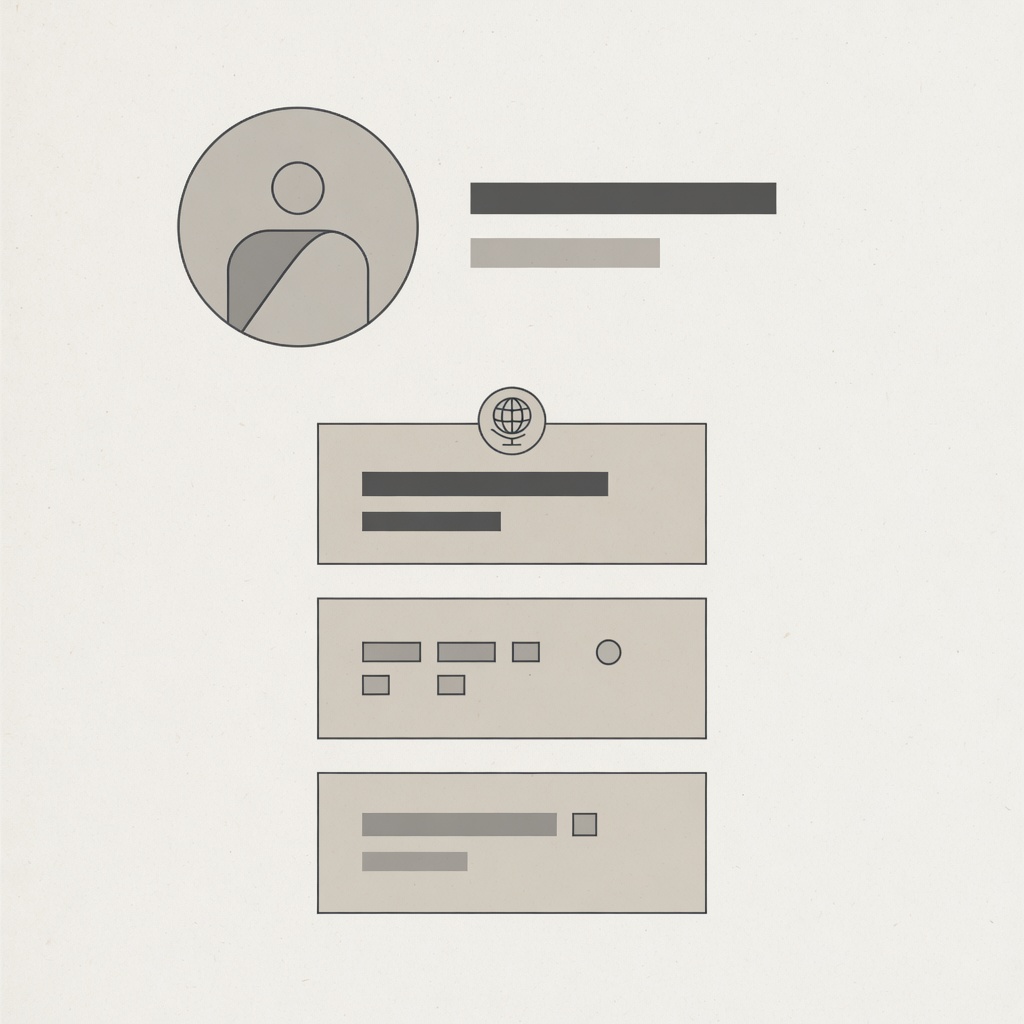
Starring a post is a point of view. The note is the point. When you mark an item Public, that choice lives at multify.co/you.

Other people can follow you and add a find to their own stash. Nothing is public until you flip the switch.

Free your bookmarks

Sign up, stash one thing you actually care about, and mark it public. That's the whole product.

Start your stash